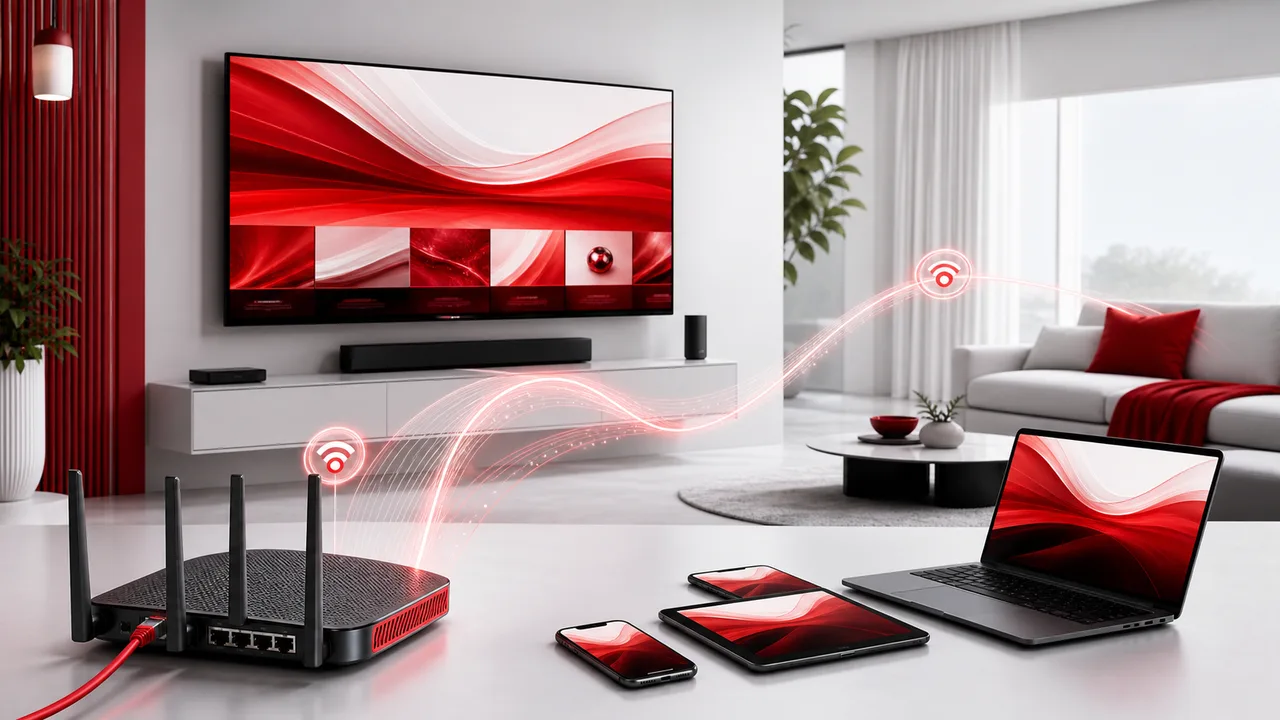
Quick answer: IPTV means television delivered using Internet Protocol networks rather than a traditional terrestrial, cable or satellite broadcast path. A player requests live or on-demand video, receives it as data and decodes it on a television, phone, tablet or computer. StreamHub TV is an internet-delivered IPTV service.
A useful definition, with one technical nuance
In everyday consumer language, IPTV often means any service that delivers television channels through an internet connection. Technical standards use a narrower definition for managed networks that can provide controlled quality, security and interactivity.
That distinction matters because an open-internet service cannot control every part of the route between a source and your home. Broadband congestion, routing, Wi-Fi and the viewing device can all influence playback.
How an IPTV stream reaches the screen
| Stage | What happens |
|---|---|
| Source | Live or stored video becomes available to the service |
| Encoding | Video is compressed into streamable formats and quality levels |
| Distribution | The stream is made available through delivery infrastructure |
| Request | Your player asks for a chosen channel or VOD item |
| Transfer | Video data travels across the network to your device |
| Buffer and decode | The player holds a short reserve, decodes the data and displays the picture |
The exact architecture varies by provider and player. Some systems offer several quality versions and allow the player to adapt when available bandwidth changes.
Live TV, VOD and time-shifted viewing
Live TV
You join a stream at its current point, much like tuning to a broadcast channel. Live viewing usually uses a shorter buffer to limit delay, which can make unstable connections more noticeable.
Video on demand
You choose a stored title and start it when you want. The player can often buffer farther ahead than on a live stream, giving it more room to absorb brief network variation.
Catch-up or time-shifted content
Some services or sources retain recently aired programs for later playback. Availability and controls depend on the package, source and player, so they should not be assumed for every channel.
StreamHub TV focuses on live channels and a large on-demand library. See the live TV and VOD guide for the practical differences.
What causes buffering
Buffering appears when the player’s reserve empties before enough new video arrives. Possible causes include:
- The stream bitrate is higher than the available connection speed
- Wi-Fi interference, weak signal or packet loss
- Congestion in the home or on the wider internet route
- A device that cannot decode the format smoothly
- A player problem or outdated software
- A source or delivery problem affecting one or more streams
- A VPN or filtering service changing the route
No single cause explains every case. Test a second channel, a second device, a lower quality and Ethernet where possible. Those comparisons show whether the problem follows the content, player, device or network.
Speed recommendations
| Quality | Practical available speed for one stream |
|---|---|
| SD | 8 Mbps or more |
| HD | 15 Mbps or more |
| 4K | Around 30 Mbps or more |
These figures include useful headroom but are not universal technical minimums. Actual bitrate varies. Multiply for simultaneous streams and leave capacity for normal household traffic.
IPTV compared with other delivery methods
| Characteristic | Internet-delivered IPTV | Cable or satellite | On-demand-only app |
|---|---|---|---|
| Live channel groups | Common | Common | Varies |
| On-demand library | Common | Varies | Main focus |
| Delivery path | Internet | Dedicated cable or dish | Internet |
| Provider-specific receiver | Usually not required | Often required | Not normally required |
| Viewing away from home | Possible on compatible devices, subject to rules | Often limited | Common |
| Main dependencies | Source, route, home network, player and device | Provider network, receiver and local conditions | Route, app and device |
What you need for StreamHub TV
- A compatible player on a supported device
- A stable internet connection
- An active plan with enough simultaneous connections
- Access details supplied through the official WhatsApp conversation
No special provider-branded box is required. If an older television cannot run a suitable player well, an external streaming device may improve compatibility.
Frequently asked questions
Is IPTV the same as streaming?
IPTV is a form of streaming television. In common usage it emphasizes live channel delivery alongside VOD, while many familiar streaming apps focus mainly on on-demand titles.
Does IPTV require fiber broadband?
Not necessarily. A stable connection with enough available speed matters more than the technology name. Fiber can provide useful capacity, especially for multiple streams.
Does faster internet eliminate all buffering?
No. It reduces one possible bottleneck, but Wi-Fi, routing, source stability, device performance and player behavior can still matter.
What is an IPTV player?
It is the software interface that imports access details, organizes channels or VOD entries and decodes video on the device.
How can I test IPTV properly?
Use the 20-minute trial checklist on the same device, connection, time of day and content categories you plan to use.