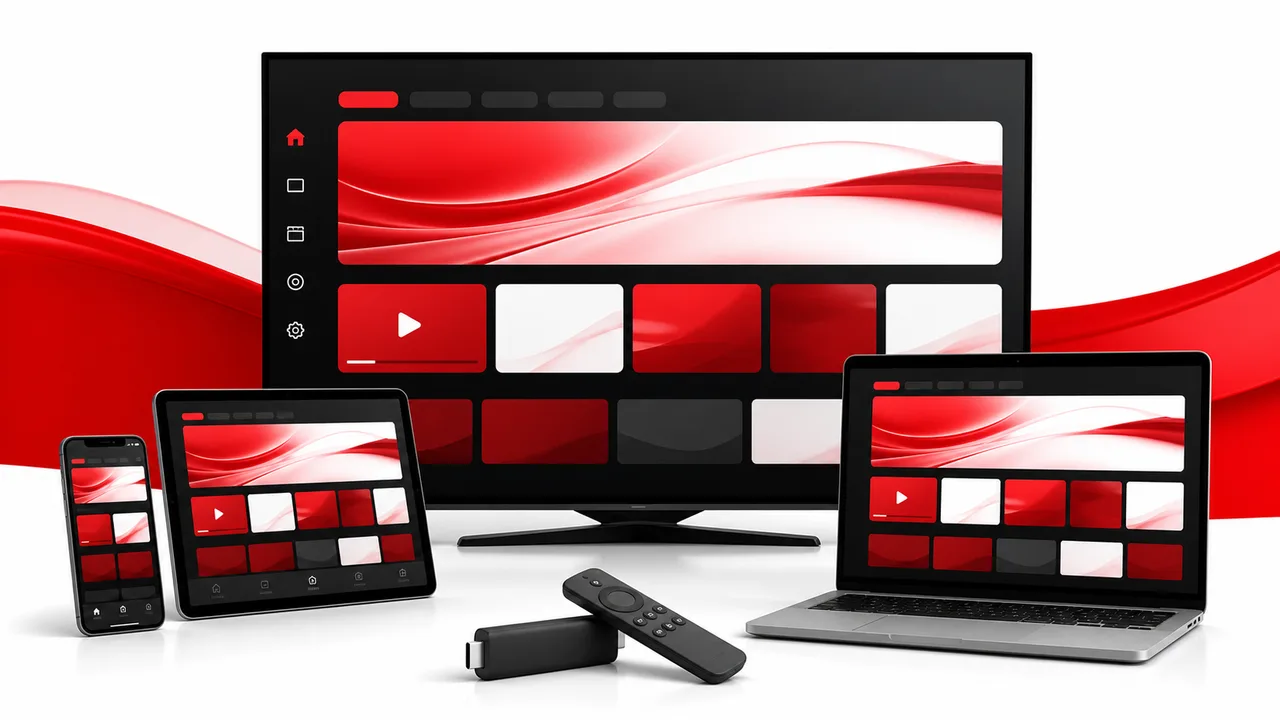
Quick answer: For most homes, a current Google TV or Fire TV device offers the best balance of app choice, price and simple remote control. A native Smart TV app is cleaner, while Apple TV is a polished premium option.
The best IPTV device is one that receives updates, runs a compatible player and stays stable on your home network. Picture quality matters, but reliability and an easy remote-friendly interface matter more in daily use.
| Device | Best for | Main trade-off |
|---|---|---|
| Smart TV app | A clean setup with no extra hardware | Older TVs may be slow or lose app support |
| Google TV / Android TV | App choice and flexible budgets | Quality varies between devices |
| Fire TV | Affordable, remote-friendly streaming | Storage can be limited |
| Apple TV | Fast, polished Apple households | Higher hardware cost |
| Phone, tablet or computer | Travel, testing and personal viewing | Less convenient across a living room |
Smart TV apps: the simplest setup
If your television supports a compatible player, a native app keeps the setup clean. There is no extra box or remote. The trade-off is that older televisions can have slow processors, limited storage or app stores that stop receiving updates.
Fire TV and Google TV: flexible and affordable
Streaming sticks and Android-based boxes are compact, widely supported and easy to replace. They are a strong choice when a television’s built-in apps feel slow. Choose a current model with dual-band Wi-Fi and enough free storage for updates. Install players from official app stores or verified publisher websites.
Apple TV: polished for Apple households
Apple TV fits households already using iPhone, iPad or Mac devices. The interface is fast and consistent, although compatible player choices and hardware pricing differ from Android-based platforms.
If this is your preferred platform, use our Apple TV IPTV setup guide to check the model, App Store player, login method and first playback test.
Phones, tablets and computers
Mobile devices are useful for travel and testing. A Windows PC or Mac can also offer a larger interface and wired network connection. For the living room, a dedicated television device is normally easier to control.
Connection quality matters as much as hardware
Before replacing anything, test the same stream through Ethernet or closer to the Wi-Fi router. As a planning starting point, StreamHub recommends reserving about 15 Mbps for one HD stream and 30 Mbps for one 4K stream, plus headroom for other devices. These are practical recommendations, not guarantees.
Five questions before buying
- Is your preferred player in the official app store?
- Can the device use Ethernet or strong 5 GHz Wi-Fi?
- Does it still receive software and security updates?
- Is there free storage for app and system updates?
- Will everyone find the remote easy to use?
Frequently asked questions
Do I need a new television for IPTV?
Usually not. A supported streaming stick or box can add current apps to an older television with an HDMI port.
Is Ethernet better than Wi-Fi?
Ethernet is usually more consistent because it avoids wireless interference. Strong Wi-Fi can work well when the router and device are positioned correctly.
Should I buy a very cheap unbranded box?
Choose hardware with a known update policy and official app-store access. Long-term support is more valuable than a long list of advertised specifications.
Next, read our Google TV and Fire TV setup guide or tell us your device model on WhatsApp.